Pixart
Pixel art editor for Unity.
Pixart is a pixel art editor that runs inside Unity. The idea is pretty simple: make the sprite, put it in the scene, keep editing it. No need to export a PNG every time you change a couple of pixels.
You work in a .pixart asset. It holds the pixels, layers, palette, frames and animation ranges. Use that asset with Pixart Live Previewer, add Pixart Animator when it needs animation, or export regular sprites and AnimationClips. See the full feature list.
Start with a small sprite
Installation covers the package and its dependencies. Then Your first sprite walks through a 16×16 potion, from a blank canvas to an object in your scene. There's a finished asset to download if you want to compare.
Already have artwork? Import an image or sprite sheet to keep working on it in Pixart. You can also extract a palette from an image.
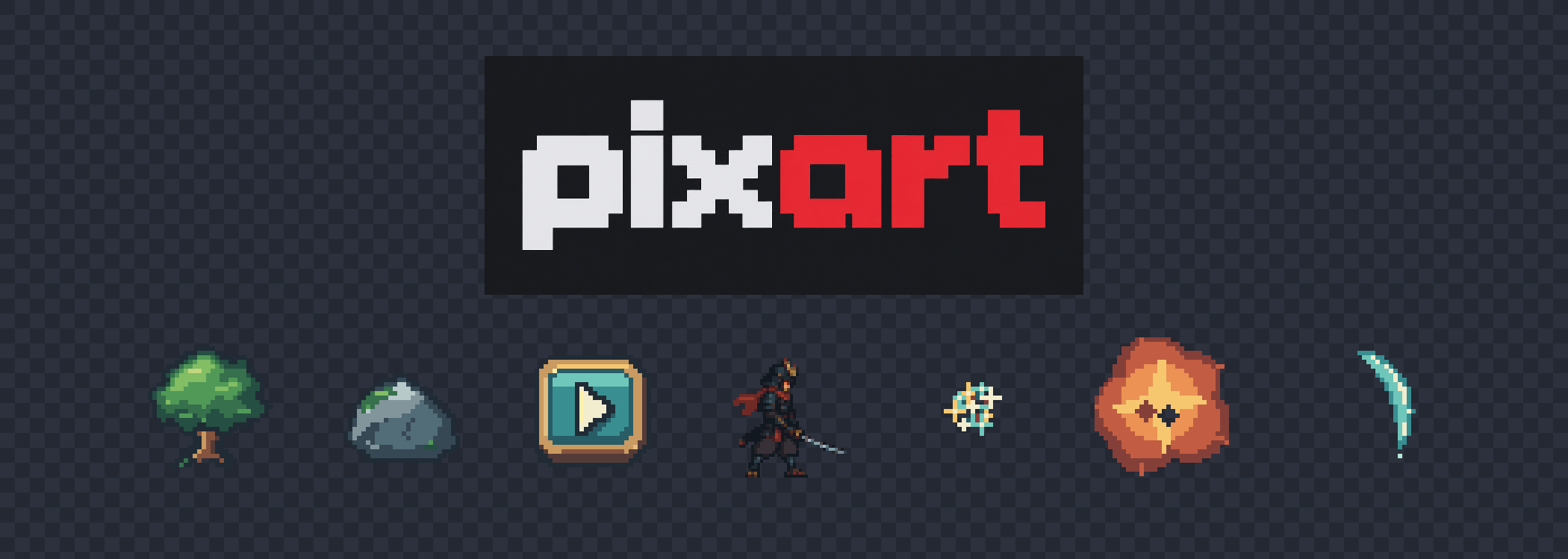
The sample gallery includes a tree, rock, UI button, animated character and three effects. You can download the editable assets there too.
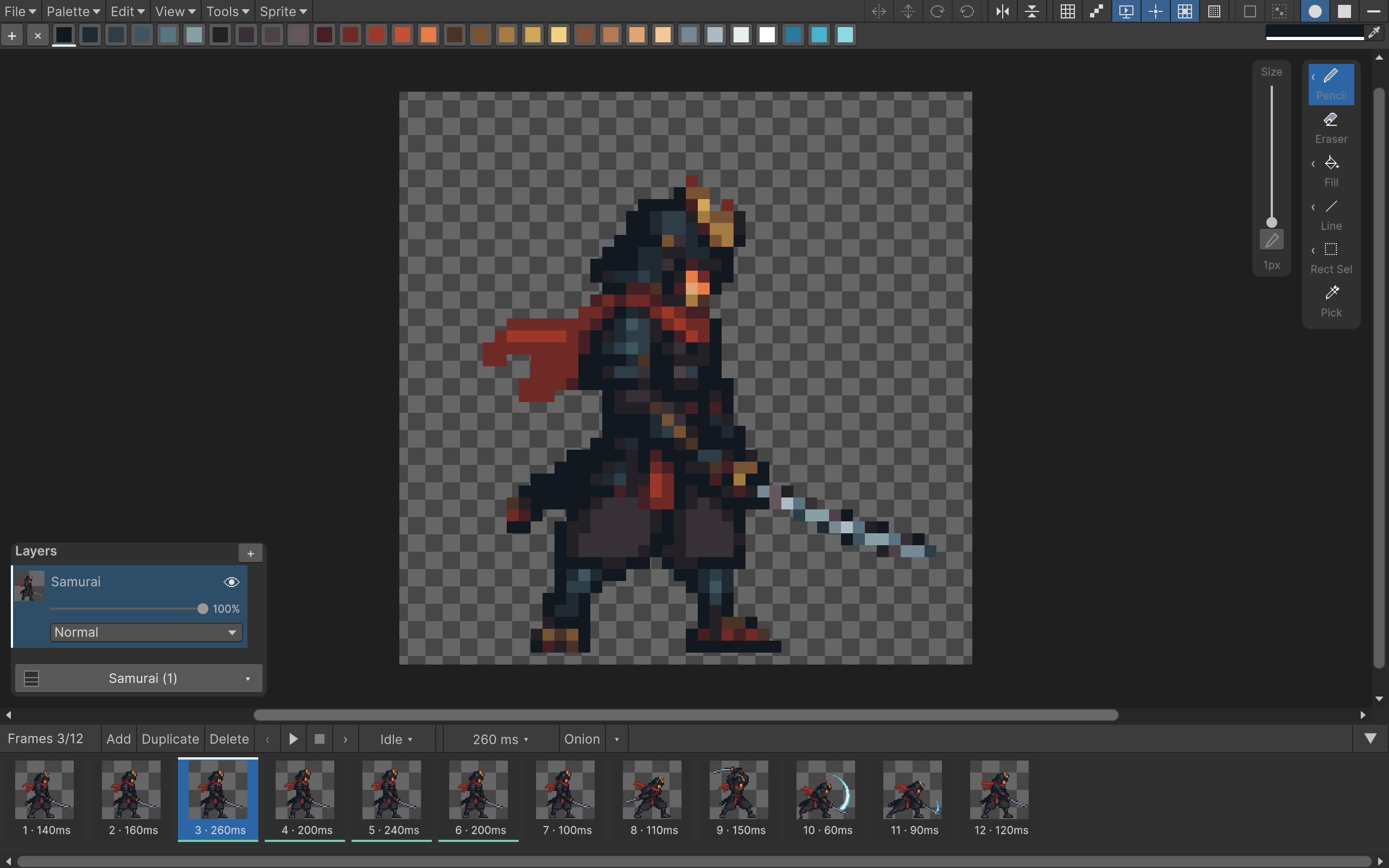
Already comfortable with pixel art? Open Samples/Characters/KuroganeSamurai.pixart and try editing a frame. The interface guide explains where everything lives.
What is covered here?
Drawing tools
Pencil, spray, shapes, brush tips and pixel-perfect strokes.
Custom brushes
Use another Pixart asset as a brush, including the supplied patterns.
Palettes
Indexed colors, shared palettes and recoloring existing artwork.
Frames & animation
Animate the tutorial potion, then organize larger sets with named ranges.
Using sprites in Unity
Live preview, scene components and ordinary SpriteRenderers.
Importing
Bring in images and sprite sheets, with resizing and color reduction.
Edit several frames and layers
Paint, move and transform the selected frames and layers together.
Exporting
PNG sprites, sprite sheets, separate frames and AnimationClips.